
Directory Resources
You can use Instant Church Directory to find contact info for our members! To send out calls and messages, we utilize an all-call service. If you have not received calls or texts, please update your information for the All-Call System.

Instant Church Directory
To view the directory online, click the button above and follow the prompts under “Sign In” to “Create a login now.” Please remember, you must confirm your email address before you can sign in.
There is also a free mobile app available for download at the Apple® App store in iTunes®, Google Play™ store, and the Amazon Fire App Store. Simply search for “Instant Church Directory” to download it.
You will need to use your email address as listed in our directory to create a login the first time you use the directory online and via the mobile app.
All-Call Info
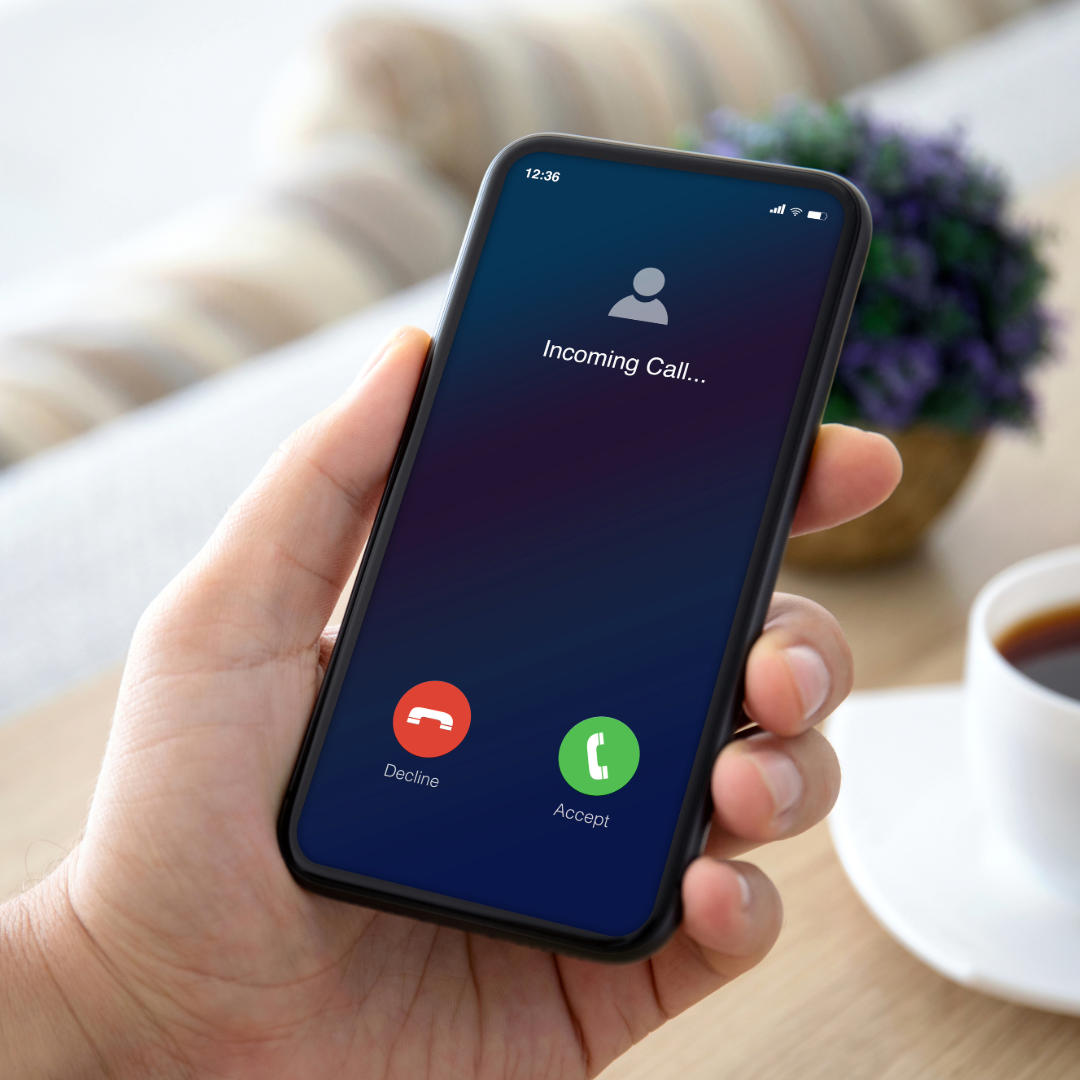
We use One Call Now to provide call/text announcements to our church. To receive those, your number must be in this database. Most families and individuals in the InstantChurchDirectory platform have already been added to this database. However, some information does not automatically make it. You can click the button below to access a self-update portal to make sure the all-call database has the correct information for you.
Additionally, if you wish to receive texts instead of calls, you must opt-in by texting ALERT to 22300. If you have already done so, but still are not getting texts or calls, go ahead and try self-updating your info through the button below.

Copyright 2026 League Street Church of Christ
All Rights Reserved.